AI AGENT INSIDERFree weekly newsletter
PRACTICAL AI, EVERY WEEK
Research workflows   ›AI for your business   ›Writing with AI   ›Human checks   ›

Understand the agent

Learn what it needs, what it can do and where it can go wrong.

Follow the steps

See how instructions, tools and checks fit together.

Apply it to your work

Start with a useful task in your own business.

LEARN THROUGH EXAMPLES

See the work behind the agent.

Read a short lesson below. Get new examples by email each week.

Subscribe for free →
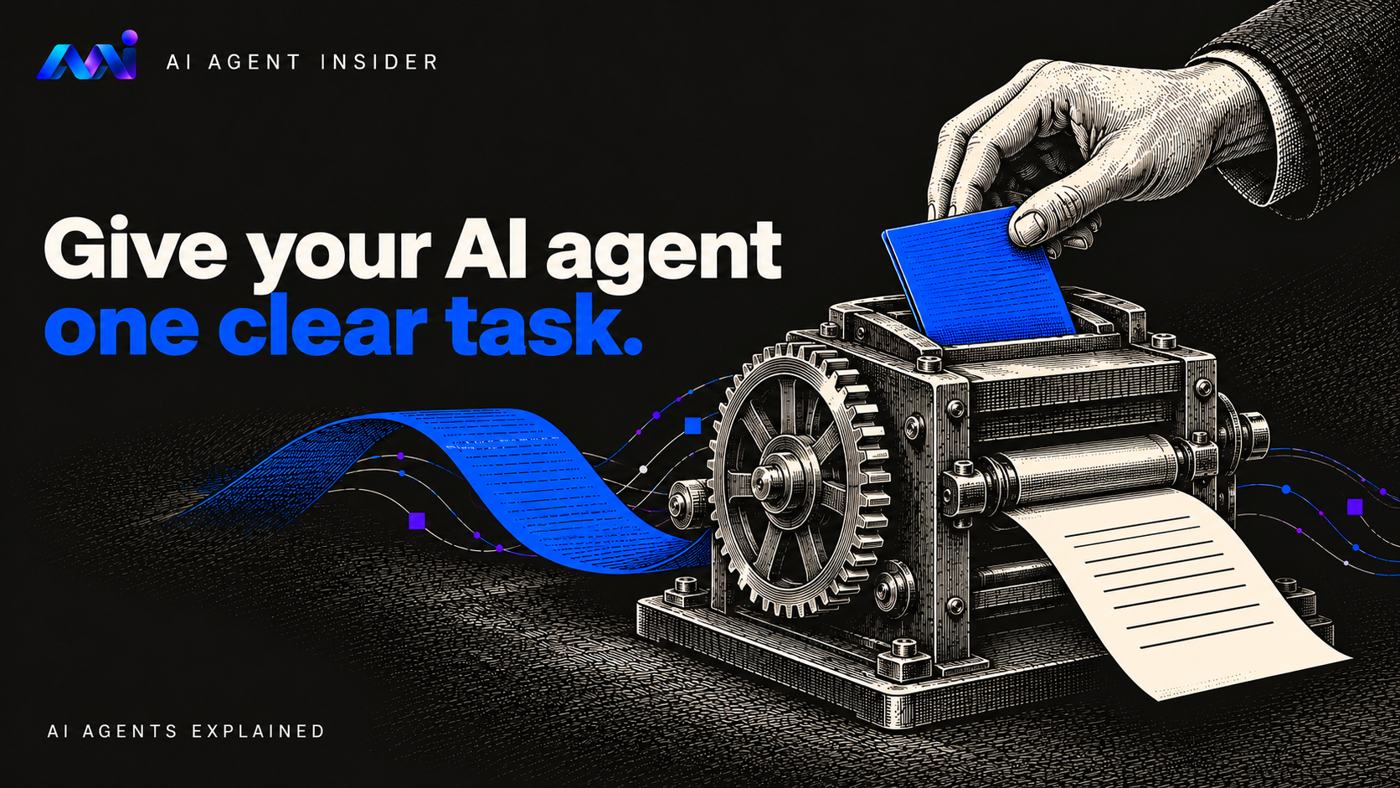
A hand feeds one instruction card into an engraved machine
BRIEF THE AGENT

Give your AI agent one clear task.

Define the job, the information it can use and where it should stop.

Read the lesson

Start with a job you can review

“Help with my business” leaves too many decisions open. A useful first task is smaller: turn your meeting notes into a list of actions.

Provide the notes and describe the output. Keep tool access limited to what the job needs. A prompt sets the brief; the connected tools and approval settings control what the agent can do.

Try this brief

Use these meeting notes to draft an action list. Include the task, owner and deadline only when the notes state them. Mark missing details as “not specified.” Stop after the draft so I can review it.

Check the result

Compare each action with the notes. Look for invented owners, dates or commitments. Correct the brief before giving the agent a larger task.

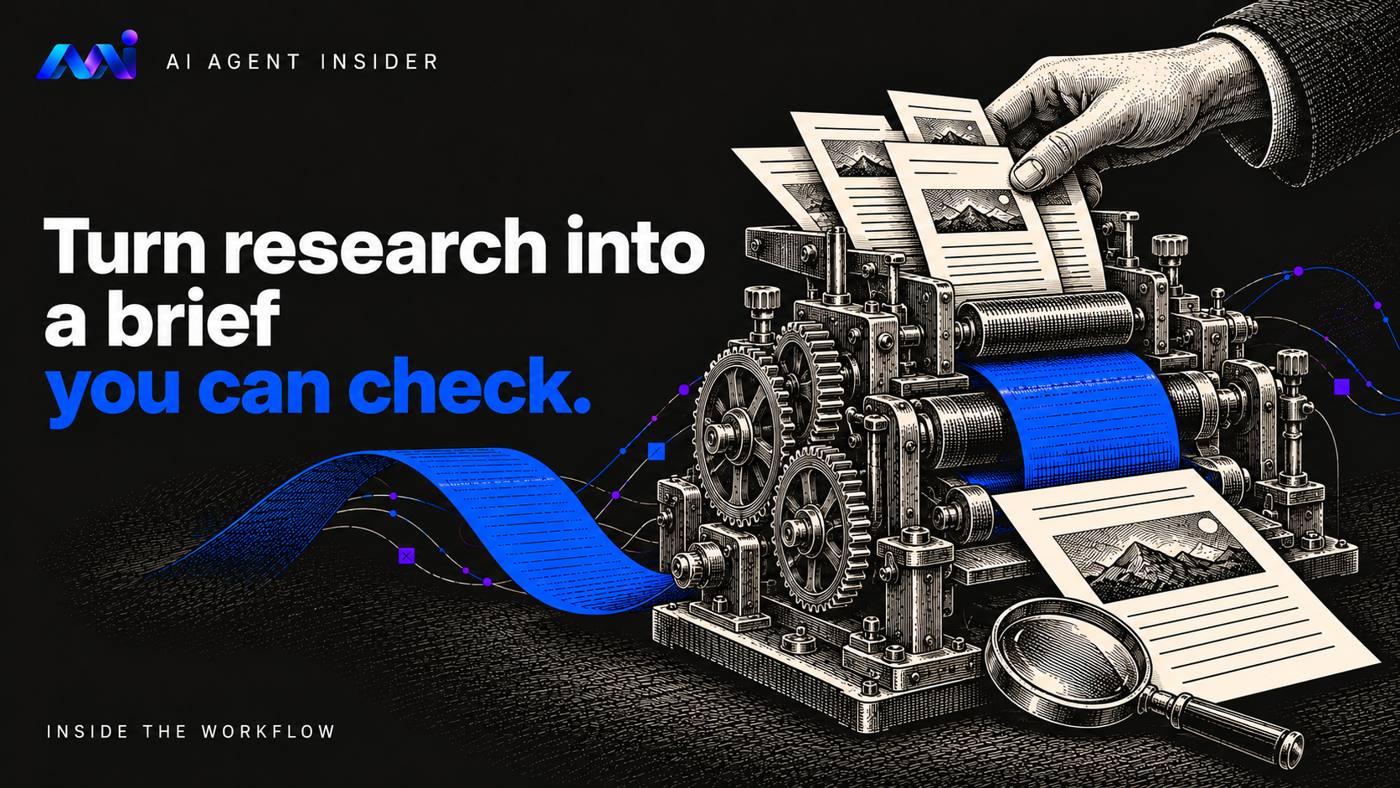
A machine organises source papers into a research brief with a magnifying glass
FOLLOW THE WORKFLOW

Turn research into a brief you can check.

Go from a focused question and source material to a draft with traceable claims.

Read the lesson

Make the question specific

Choose one question, such as “Which of these three tools fits our research process?” Provide the source pages or documents and the criteria that matter to you.

Ask the agent to extract relevant facts, compare them and attach a source to each claim. If it can browse, set the sources and date range it should use. If it cannot, supply the material yourself.

Try this brief

Using only the sources I provide, compare these tools against these criteria. Link each factual claim to its source. Separate facts from your recommendations. Flag missing or conflicting information.

Check the result

Open the original sources. Verify names, dates, prices and quoted claims. Treat a citation as a pointer to check, rather than proof that a statement is correct.

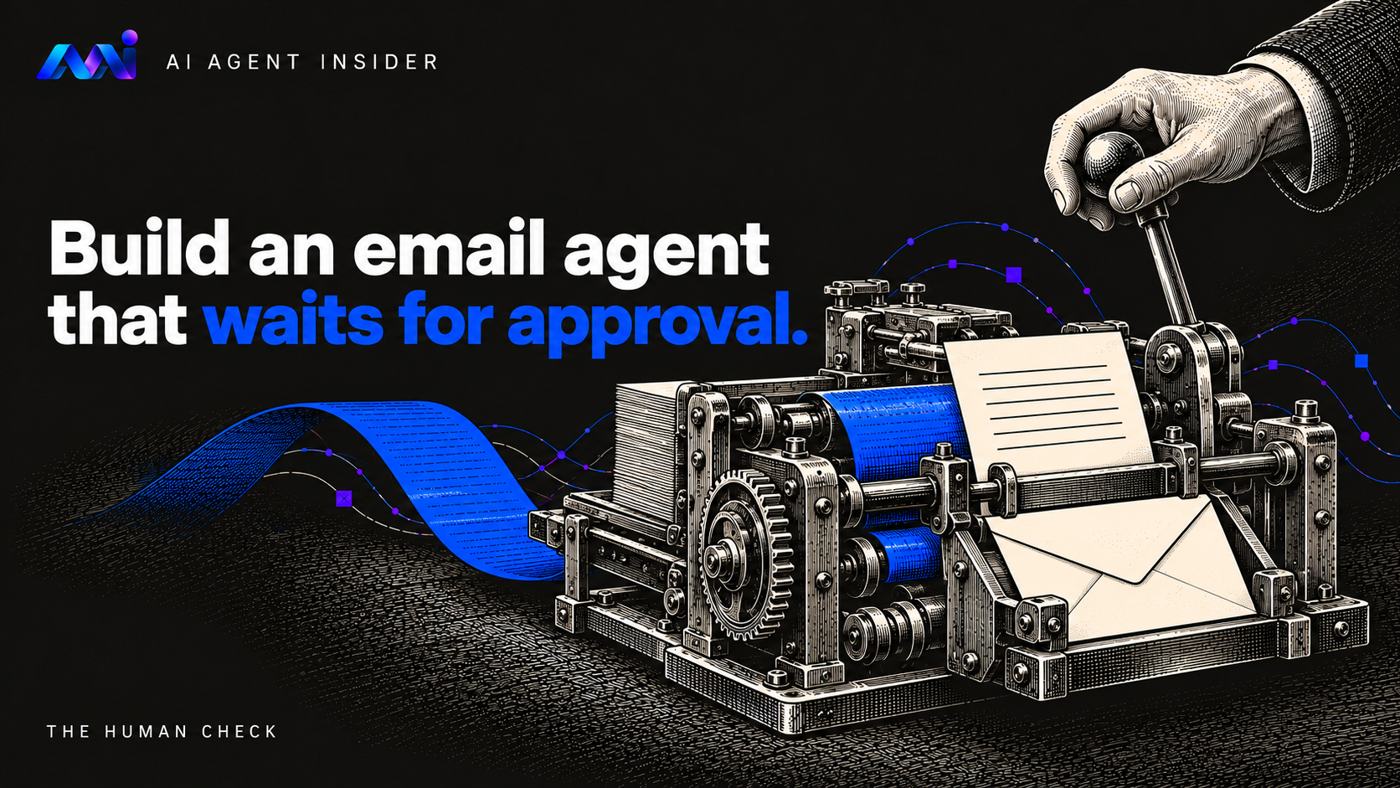
An engraved email-drafting machine waits at a human approval lever
KEEP THE HUMAN CHECK

Build an email agent that waits for approval.

Let the agent prepare the reply while you keep the decision to send it.

Read the lesson

Begin with drafts

Give the agent the incoming message, the facts it may use and an example of your tone. Ask for a reply that stops at the draft stage.

For a connected email workflow, keep sending disabled or require a separate approval step in the tool. A sentence in a prompt is not a substitute for that setting.

Try this brief

Draft a reply to this message using the facts below. Do not invent prices, deadlines or promises. Ask me about missing details. Return the draft for my review; do not send it.

Check before sending

Review the recipient, names, figures, attachments and commitments. Test the approval step with a harmless example before using the workflow for business email.

The latest from AAI.

Our published issues will appear here.
WHAT ARRIVES EACH WEEK

A useful lesson for your next task.

Each issue helps you understand how AI agents work and where they could fit into your business.

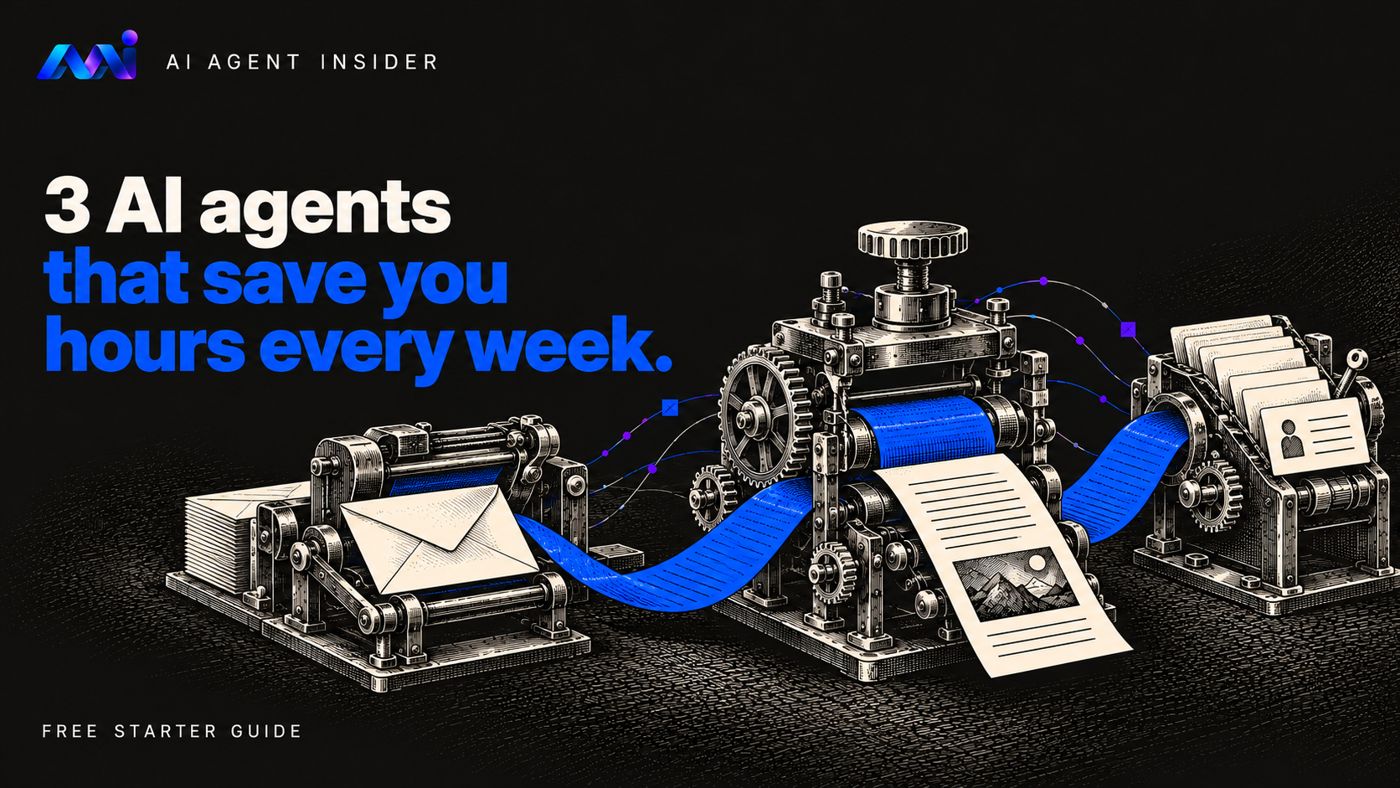
An agentic workflow is the process around an AI agent: the task it receives, the tools it can use and the checks before its work is used.

01

The agent briefing

An update worth understanding, with its source and a clear explanation.

02

Inside the workflow

A practical task broken into the tools, instructions and steps behind it.

03

Try it yourself

A small exercise or prompt you can adapt to your work.

04

The human check

The details to review and the decisions that stay with you.

05

Worth exploring

Relevant tools and resources, with setup needs and costs explained.

Before you subscribe

Is this for beginners?

Yes. We explain the terms and walk through practical examples. When a lesson needs technical setup, we make that clear.

Is the newsletter free?

Yes. The weekly newsletter is free. Some tools covered in lessons may have their own charges, which we explain alongside the example.

Will every task need an AI agent?

Some tasks work well with a simple prompt. We explain when an agent or a longer workflow is useful, so you can choose an approach that fits the job.

About AI Agent Insider

AI Agent Insider is a free weekly newsletter for people who want to understand AI agents and use them in their work. We explain practical examples for research, writing and business tasks, including the setup and the parts that need human review.